
Clockneo Time
Time, attendance and payroll-ready records.
£1.99per billable employee / month
Minimum £9.95 per month
For businesses with shift-based teams
Record working hours, manage attendance and prepare hours for payroll — all in one place.
New account registration is currently closed.
Already using Clockneo? Sign in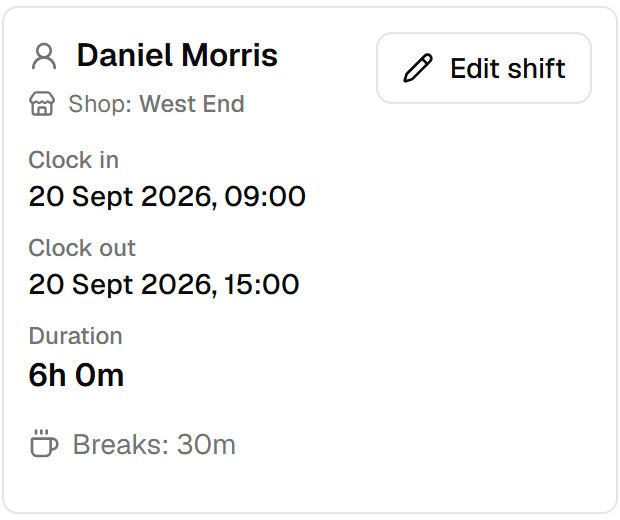
01 / Capture time
Record working hours and breaks, with attendance ready for managers to review.
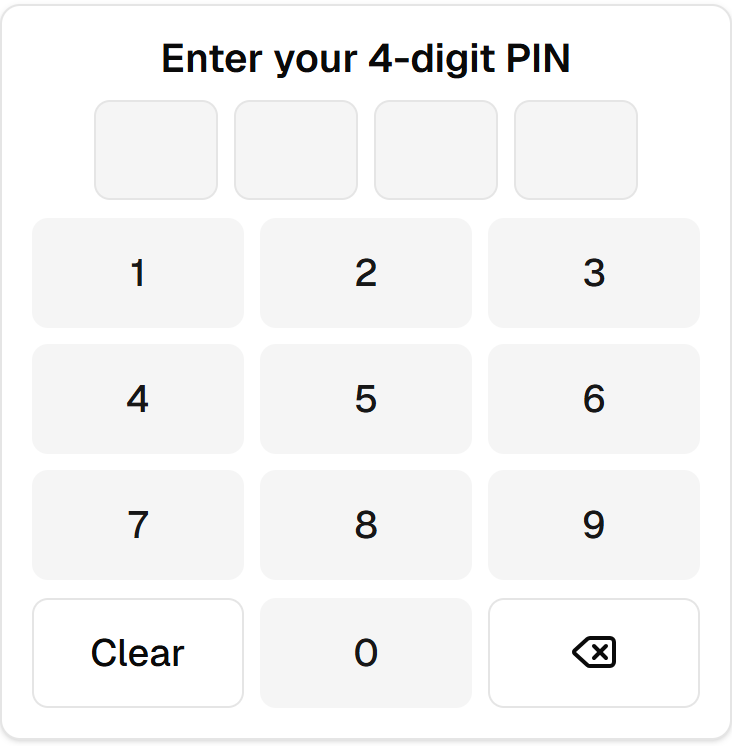
Set up a tablet or another compatible shared device at the workplace. Employees clock in and out using their individual four-digit PINs.
Invited employees can use their own Clockneo accounts to clock in or out on their phones where mobile clocking is enabled. They must allow location access and be within the shop’s configured clocking area.
02 / Review hours
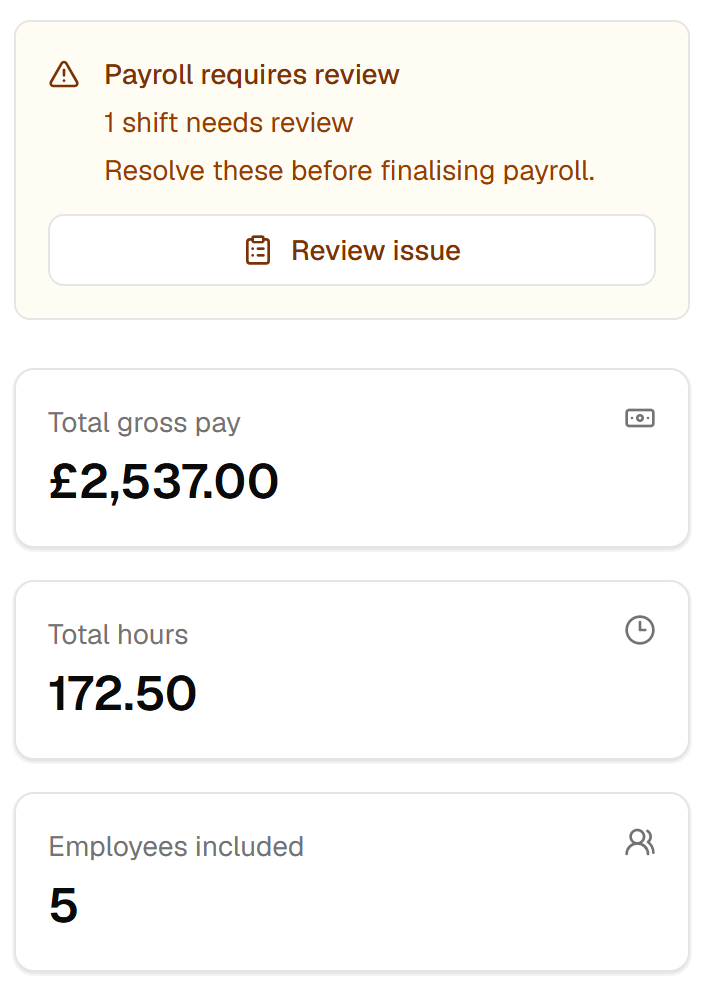
See working hours and breaks in one place. Review attendance records, correct entries when needed and check the hours for your payroll period.
Keep exceptions in view and prepare reports for your payroll process. Clockneo prepares hours and records; it does not pay wages or file payroll taxes.
03 / Plan ahead TIME + ROTA
Build and publish shifts for each location, alongside the attendance you already record.
Manage availability, leave requests, open shifts and swaps. Compare published shifts with attendance and keep scheduled and actual labour costs in view.
Compare TIME + ROTA
Getting started
Add your sites and employees, then assign the right roles and locations.
Set up a shared kiosk, or enable location-checked employee mobile clocking for each site.
Review attendance, prepare payroll-ready records, and — on Time + Rota — plan the rota and manage availability alongside it.
Monthly pricing
Unlimited locations in both. 5-employee minimum.
Time, attendance and payroll-ready records.
£1.99per billable employee / month
Minimum £9.95 per month
Everything in Time, plus rota and scheduling.
£2.99per billable employee / month
Minimum £14.95 per month
| Features | TIME | TIME + ROTA |
|---|---|---|
| Clocking, attendance and breaks | Included | Included |
| Payroll-ready reports | Included | Included |
| Unlimited locations | Included | Included |
| Employee roles and audit history | Included | Included |
| Rota, availability, leave and shift requests | Not included | Included |
| Rota-linked attendance and labour costs | Not included | Included |
Billing quantity is the greater of 5 employees or the number of non-archived employees on your account.
A billable employee is a non-archived employee in your organisation, whether or not they clock in that month. Working at multiple locations does not count someone twice. Managers without an employee record do not count.
TIME: £19.90/month
TIME + ROTA: £29.90/month
30-day trial for eligible new customers. No card required.
£1.99 per employee per month. £2.99 per employee per month for Time + Rota. Billing is in pounds sterling. 5 employees is £9.95 for Time and £14.95 for Time + Rota.
New account registration is currently closed.
Ask about ClockneoEligible new customers can start a 30-day free trial with full access to the chosen plan and no card required. Trial eligibility is checked when onboarding starts, and repeat trials are not available.
No. The trial does not require card details.
Billing quantity is the greater of 5 employees or the number of non-archived employees on your account.
A billable employee is a non-archived employee in your organisation, whether or not they clock in that month. Working at multiple locations does not count someone twice. Managers without an employee record do not count.
Use Clockneo in a web browser on a computer, tablet or phone. A shared device can be set up as a PIN kiosk. An internet connection is required for clocking.
Yes, where mobile clocking is enabled for their shop. Employees sign in, allow access to their location and must be within the shop’s configured clocking area. This is not unrestricted remote clocking.
Yes. Every plan includes unlimited locations under one organisation, with no per-location charge.
Clockneo Time covers clock-ins, attendance and payroll-ready records. Clockneo Time + Rota includes everything in Time, plus rota planning, availability, leave and shift scheduling.
Yes. Plans are billed monthly, and cancellation is scheduled for the end of the current paid period.
No. Clockneo creates payroll-preparation outputs; it is not itself a payroll processor, and outputs should be reviewed before payroll or employment decisions.
A paid subscription starts through Checkout and does not restart or extend the trial. Unused trial time is not carried forward.
Your team. Your working day.
New account registration is currently closed.