
Employee clock-in system
Staff clock in. You keep track.
Replace handwritten timesheets with recorded hours, breaks and a clear history of changes.
No card required. Available to eligible new UK businesses.
Two ways to clock in
Choose the setup that works best for your workplace.
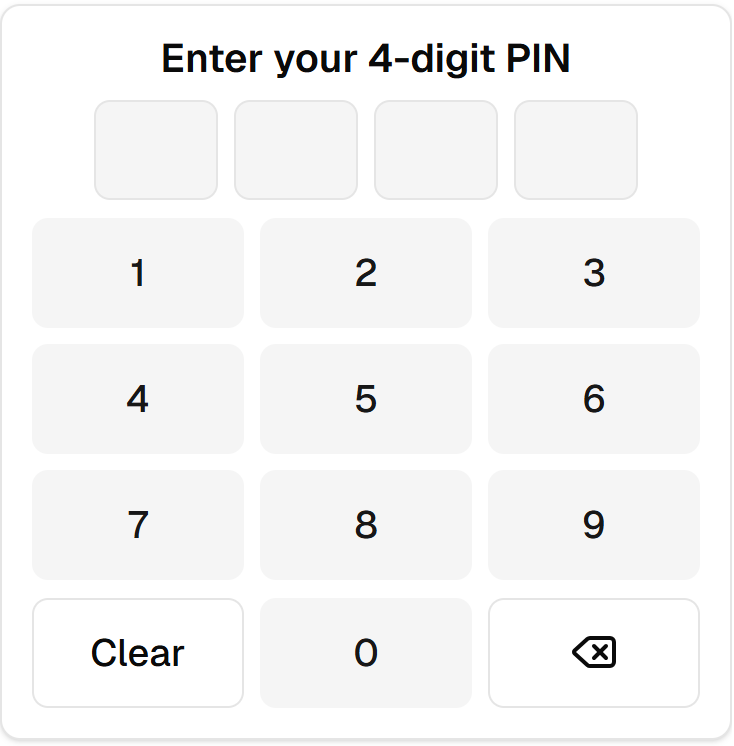
Shared PIN kiosk
Set up a shared device where staff clock in and out using their own four-digit PIN.
Phone clocking
Employees can clock in and out on their phones at locations where phone clocking is enabled.
Review the whole shift
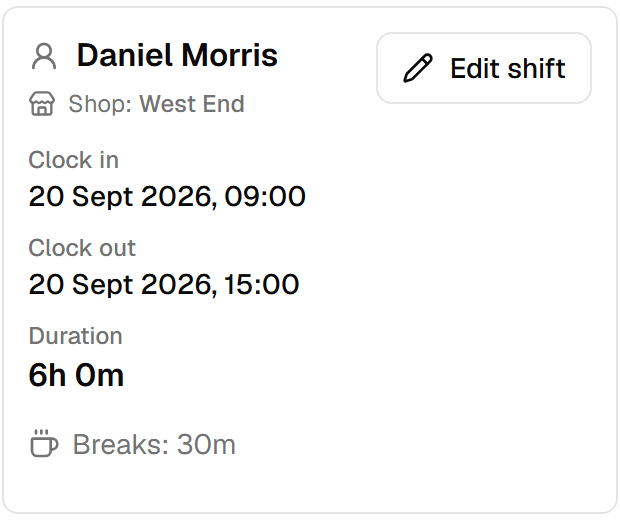
Hours and breaks together
See clock-ins, clock-outs and recorded breaks on the same shift, including how breaks affect payable hours.
Corrections with a history
Fix missed or incorrect clock-ins while keeping a clear history of changes.
Prepare for payroll
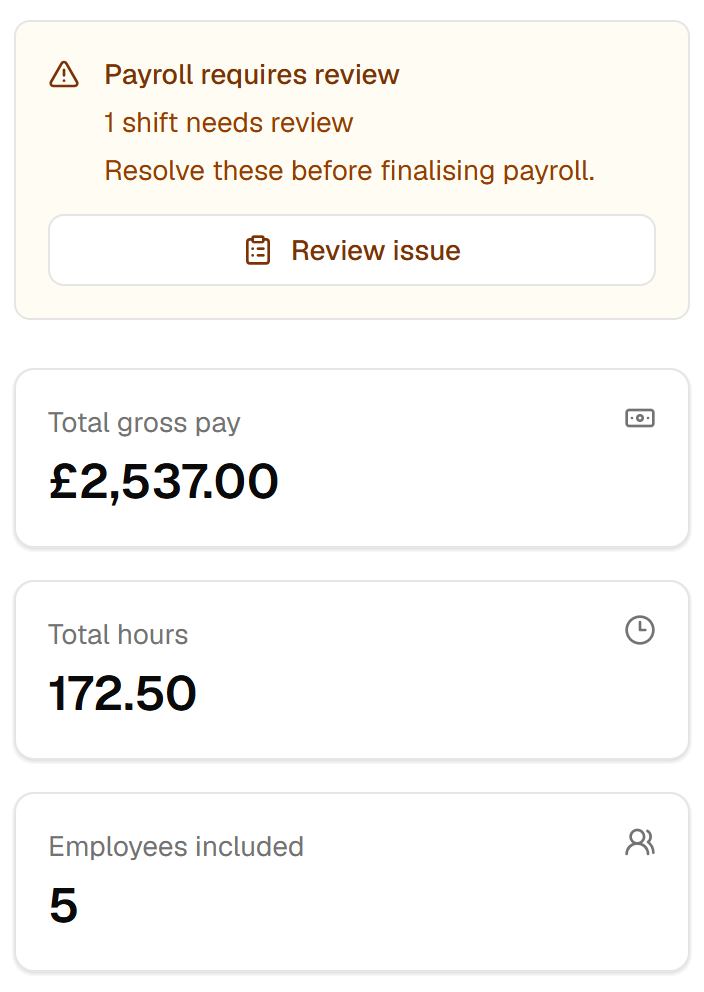
Review attendance and any outstanding issues, then export records for your payroll process.
Clockneo prepares records for payroll. It does not pay wages or file payroll taxes.
Practical questions
How does the shared PIN kiosk work?
Staff clock in and out using their own four-digit PIN.
Does clocking work without internet access?
No. Clocking requires an internet connection.
How does phone location checking work?
Mobile clocking stays off until you turn it on for a location. Employees must sign in, allow location access and be within that location’s configured clocking area. The check runs when they clock in or out.
What if someone forgets to clock out?
Clockneo flags unusually long open shifts for review. You can also enable push notifications for owners and managers to help alert them when someone has remained clocked in beyond the configured time limit. You can adjust this limit in your organisation settings.
Can employees use their own accounts?
Yes. Invited employees can view their hours and submit availability and leave requests from their own accounts.
Also explore
Try it through a working week.
See how clock-ins, breaks and attendance reviews work with your own team.